But Actually, Please Use Typst
 ___________________________
< You won't want to go back >
 ---------------------------
        \   ^__^
         \  (oo)\_______
            (__)\       )\/\
                ||----w |
                ||     ||
I don’t really like any of the options to create documents right now. Of course if they work for you and your documents are actually good, you do you.
Why Not GDocs/Word?
Go ask someone to make a heading in Word. I almost guarantee you they will just make a regular paragraph, increase the font size, maybe bold it, and then call it a day. This is objectively not a heading!
Unsurprisingly, documents have structure. The elements of page have semantics associated with them separate from visual style. If you don’t mark headings correctly, screen readers won’t be able to build a hierarchy, PDF readers can’t make a table of contents to easily jump to sections.
This is one of the issues I have with graphical word processors, they hide the document structure and only focus on visuals. Of course, if people all knew how to use these programs properly, it wouldn’t be an issue.
You can actually make a proper structure. First use the element selector to set the text to a heading, style it how you want, then go back into the element selector and apply the style for it. Boom! Custom styles headings that actually are headings.
The issue is, people don’t know this. We’re taught surface level knowledge about these applications and these gaps in understanding make it very hard for everyone else.
Hiding details also makes it hard to make large edits to a page. Ever try moving a picture? Ever want to move a paragraph easily but selecting elements with different styles is always weird? This is a major shortcoming of these editors, as soon as you have any complex structure or layout to your page, edits become very annoying.
Why Not LaTeX?
LaTeX is a markup language so it avoids a lot of the stuff mentioned above. The structure is in the source code, so your document will have proper structure if you use the right commands.
Buuuut, I don’t like the language, its syntax is not intuitive, and doing basic tasks is annoying. Additionally compile times are long, and if you use Overleaf you can actually hit a “compile limit”. You could get it locally, just have to download a huge environment.
Use Typst!
Okay so what if LaTeX was good? That’s Typst.
It’s a markup language first, so it’s pretty intuitive to get a basic document created (if you used markdown before, it’s similar-ish). The language is still versatile though, you can create very sophisticated documents.
It has a web app available at typst.app that you can use to try it out. Compilation happens locally, so no compile time limit. It’s also very fast!
A Basic Intro
Text is just text.
Hello worldYou can do basic inline styling with a similar syntax to markdown.
*Bold*
_Italics_

= Heading 1
== Heading 2
=== Heading 3

- bulleted
- list

+ numbered
+ list
As you need to make your document more complex, you’ll need more types of elements, to use an element prefix it with #.
#image("cat.jpg", alt: "A very cute cat")There are many elements (and you can even make your own). Some elements can contain content.
#align(center + horizon)[
  I'm centered horizontally *and* vertically!
]
By composing elements with eachother, you can do advanced things
#box(inset: 1em, stroke: black + 2pt)[
  #align(center + horizon)[
    #image("tom-scott.webp")
    I'm centered in a black box with 1 em of padding
  ]
]
You can style elements with set rules.
#set text(size: 24pt)

I'm 24 points!
Or do advanced styling with show rules.
#show image: it => box(inset: 2em, stroke: black + 2pt, it)

#image("kitty.jpg") // There will be a box around this image (and all images)
Typst is also a scripting language, you can define variables.
#let name = "Guy"
#let fav-color = rgb("#00ff00")

= Hello

Hi my name is #name!

By: #name

Here is a box with my favorite color:

#box(fill: fav-color, width: 5em, height: 5em)
It can read arbitrary files, as seen with images, but it can also read text files. One nice thing: you can automatically generate a bilbiography from BibTeX in any style you want.
#bibliography("my-citations.bib", style: "chicago-author-date")It also has third-party packages you can use. There’s so many handy tools.
#import "@preview/rustycure:0.2.0": qr-code

#text(size: 64pt)[#upper("scan me")]
#qr-code("https://example.com")
The official Typst tutorial goes into much more detail, you can really do a lot!
How I’ve Used Typst
Some samples of documents I have created with Typst.
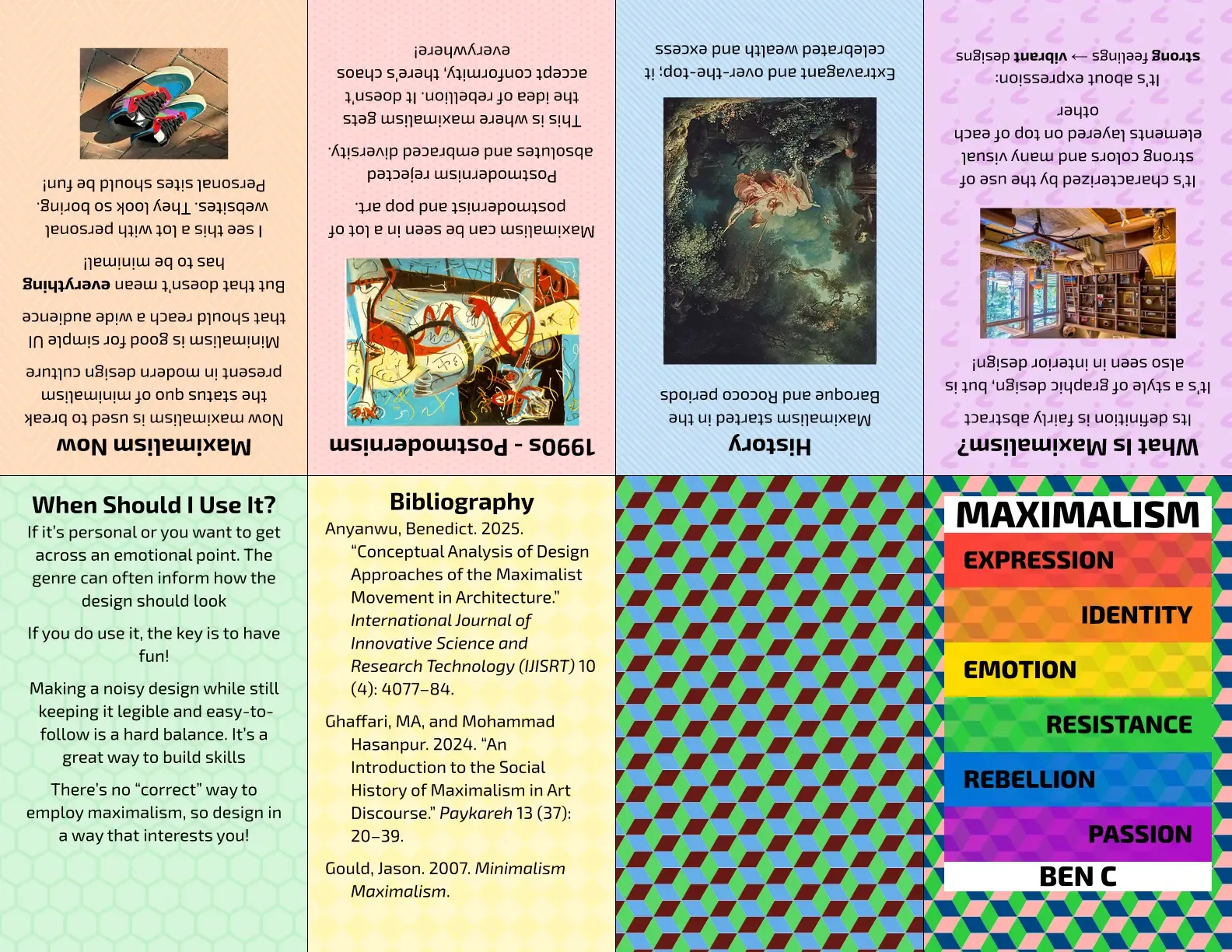
A Zine
Using zen-zine
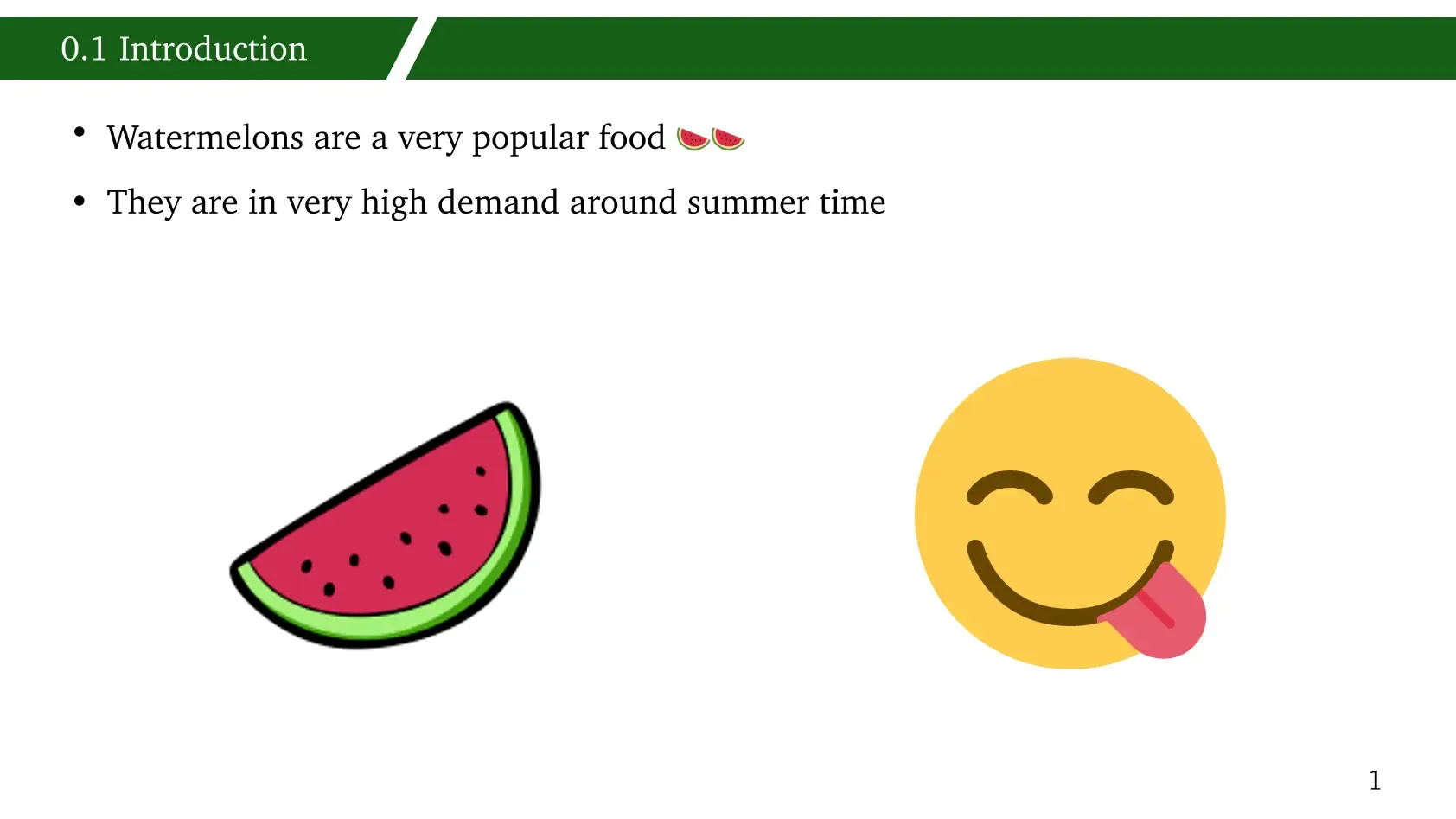
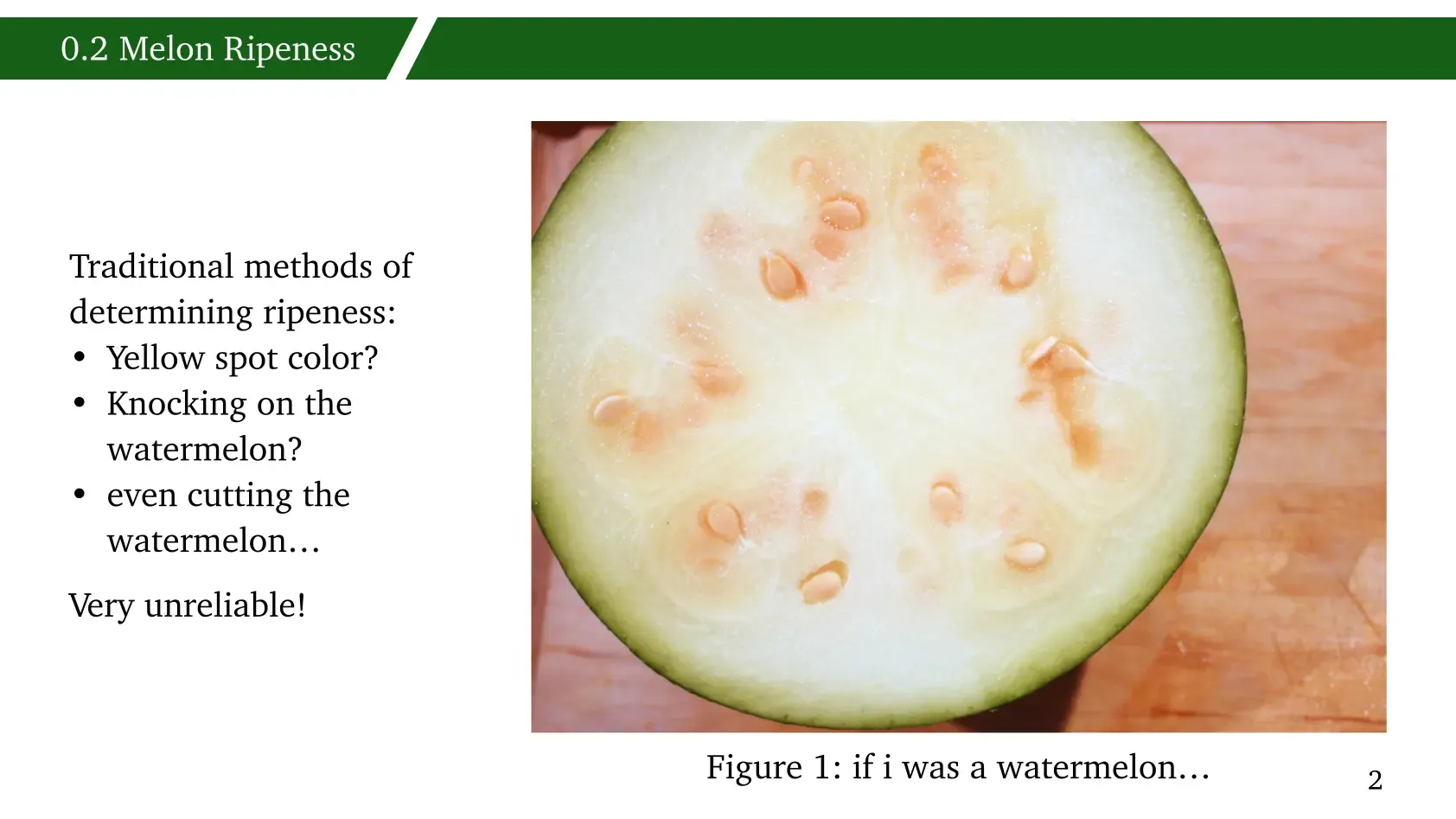
A Slideshow
Using Touying


A Flyer
Notably I structure my data in a list and use ✨programming✨ to iterate through each club and render it.

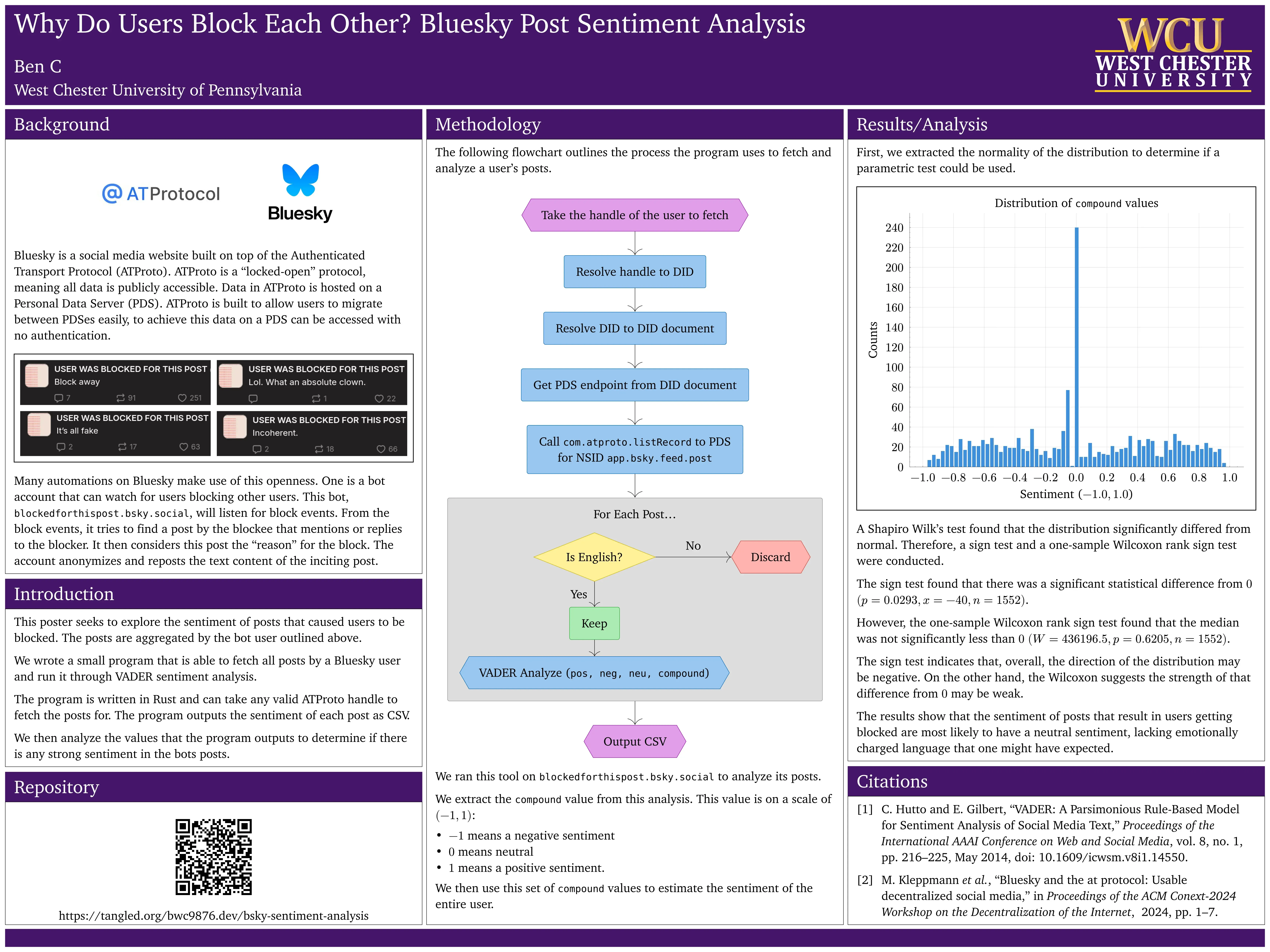
An Academic Poster
Using peace-of-posters for layout.
I also used the amazing lilaq library to render graphs directly from our CSV data! We had to use Komet to get a histogram.
For the diagram I used Fletcher.
… And It Was Easy
Like actually, it was so nice using a program that just works.
-
When you set the right page size, everything is sharp and clear
-
You can easily create re-usable templates
-
You can get very far just using the official docs and searching for packages when needed
-
You get a nicely structured PDF by default, and it has very nice accessibility checking
-
You can use Typst locally and check-in source files into version control.
-
There is (experimental) support for HTML output.
So… I’m asking you to please just try it, please 🥺.